
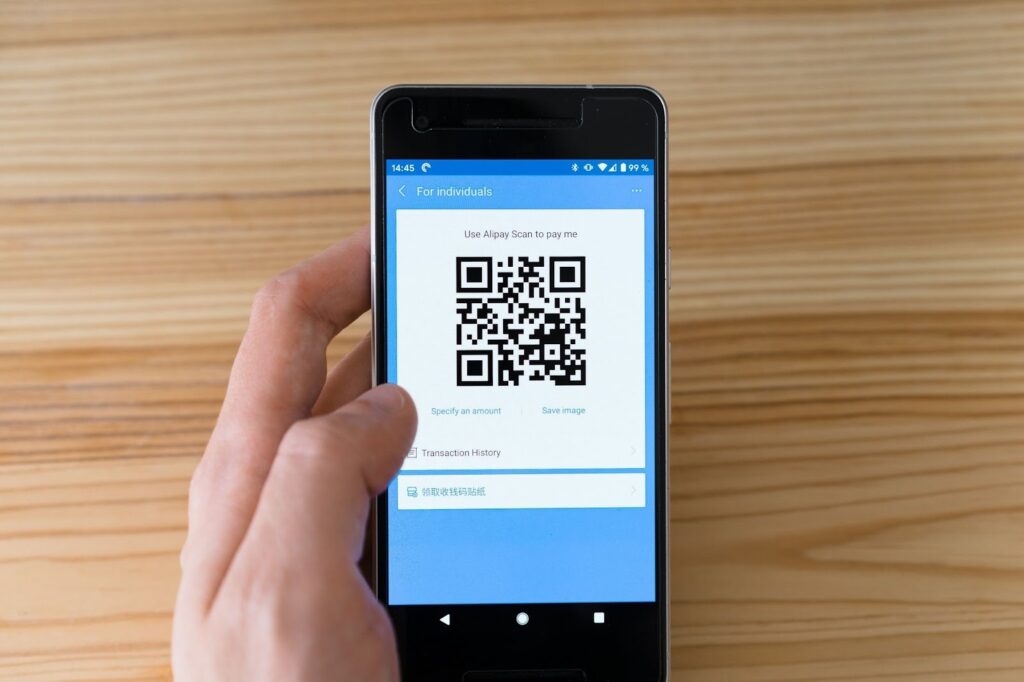
The way we handle money has changed forever. Digital payments are now the standard for everything from small street food purchases to large monthly rent transfers. This shift has brought incredible convenience to our fingertips, but it has also opened new doors for digital risks.
A secure UPI app does more than just move money from one bank account to another. It acts as a silent guardian that watches every transaction for signs of trouble. These apps use complex technology to ensure that your hard-earned money stays exactly where it belongs.
Understanding how these notifications work can help you stay one step ahead of potential threats. When you know what to look for, you can act quickly to protect your account. Most modern systems rely on a mix of visual cues and direct messages to keep you informed at all times.
Real-Time Push Notifications for Every Activity
The first line of defense for any secure UPI app is the push notification. The moment a transaction is initiated, your phone should buzz with an alert. This happens in real time, which is critical for catching unauthorized activity. If you receive a notification for a payment you did not start, you can take immediate action to freeze your account.
These alerts are designed to be impossible to miss. They often include the amount of the transaction and the name of the person or business receiving the money. By providing these details upfront, the UPI app ensures that you do not have to dig through menus to find out what is happening with your balance.
Visual Warning Screens and Color Coding
Visual cues are incredibly effective at grabbing a user’s attention. Many apps use a color-coded system to signal the safety level of a transaction. For example, if you are sending money to a verified merchant, the screen might look standard or show a green checkmark. However, if the system detects a suspicious pattern, the interface might change significantly.
A secure UPI app will often display a bright yellow or red warning banner if the recipient’s ID has been reported for fraudulent activity. These screens usually require you to acknowledge the risk before you can proceed. This extra step creates a moment of friction that forces you to think twice before entering your PIN.
Alerts for First-Time or Unverified Payees
One of the most common ways people lose money is through social engineering. Scammers often convince users to send money to a new, unverified ID. To combat this, a high-quality UPI app will trigger a specific warning when you attempt to pay someone who is not in your contact list or who has a brand-new account.
This notification might ask you to verify the identity of the person through another channel. It serves as a reminder that once a digital payment is sent, it is very difficult to get back. By highlighting that a payee is “new” or “unverified,” the app helps you stay cautious during high-risk interactions.
SMS and Email Redundancy for Better Coverage
While push notifications are great, they rely on an active internet connection and specific app settings. To ensure you never miss a critical update, a secure UPI app will also send an SMS and an email for every transaction. This redundancy is vital if your phone’s data connection is weak or if you have accidentally silenced app alerts.
The SMS usually contains a summary of the debit and a dedicated number to call if the transaction was not authorized. Having this information in your text inbox provides a permanent record that you can refer to later. It also ensures that even if someone gains access to your app, you will still receive alerts on your registered mobile number.
Behavioral Biometrics and Login Alerts
Security is not just about the money leaving your account. It is also about who is accessing the app. If you log in from a new device or a different city, a secure UPI app will immediately notify you. These login alerts often include the device model and the approximate location of the attempt.
Some advanced systems even use behavioral biometrics. They look at how you typically interact with your phone, such as your typing speed or how you hold the device. If the pattern looks wrong, the UPI app might ask for extra verification, like a fingerprint or a face scan, and send a notification about the unusual access attempt.
Transaction Velocity and Limit Warnings
Fraudsters often try to drain accounts by making several small transactions in a very short period. This is known as a velocity attack. To prevent this, most apps monitor how often you send money. If the frequency of your payments suddenly spikes, the app will pause the activity and send a notification asking you to confirm the transactions.
You might also receive alerts if a single transaction exceeds your typical spending limit. For instance, if you usually spend small amounts but suddenly try to send a very large sum, the UPI app may flag this as a suspicious pattern. These limits are customizable in many cases, allowing you to set your own safety boundaries.
The Importance of Acting on Notifications
Notifications are only effective if the user pays attention to them. It is easy to get into the habit of swiping away alerts without reading them, but this is a dangerous practice. Every time your phone pings during a transaction, take a second to verify the amount and the recipient.
If you ever see a notification for a “collect request” that you did not expect, do not enter your PIN. Scammers often send these requests hoping users will think they are receiving money rather than sending it. A secure UPI app will always warn you that entering your PIN means money will leave your account, but your own vigilance is the final piece of the security puzzle.